Editorial take
Why it stands out
Cline should be presented as an open-source coding agent with flexible provider paths, not as a conventional closed-seat AI IDE.
Tool profile
Open-source AI coding agent for VS Code with plan-and-act workflows, MCP support, and both BYOK and managed model access paths.
Editor-native AI coding
Cline belongs in the catalog because it has become one of the most recognizable open-source names in repo-aware AI coding. The official site positions it around plan-and-act workflows, MCP extensibility, browser automation, terminal execution, and broad model support. That makes it far more than a thin chat sidebar. It is a real agent workflow product for developers who want flexibility and tool connectivity inside a familiar editor environment.
It also deserves inclusion because the pricing posture is hybrid in a way buyers should understand clearly. The official pricing page frames Cline as free for individual developers while also pointing to enterprise packaging for organizations, and the docs distinguish between bring-your-own-key usage and the managed Cline Provider. What the checked public surfaces do not expose is a clean simple public seat-rate table for enterprise or managed usage. The right editorial move is to preserve that nuance rather than invent a number that the official site itself is not cleanly publishing.
Quick fit
Editorial take
Cline should be presented as an open-source coding agent with flexible provider paths, not as a conventional closed-seat AI IDE.
What it does well
Primary use cases
Fit notes
Compare with
Pressure-test this pick against nearby alternatives.
Pricing snapshot
Cline's official pricing page clearly states free access for individual developers and enterprise packaging for organizations, but the checked public pages do not expose a clean fixed enterprise price table. Teams can use BYOK providers or the managed Cline Provider depending on their setup.
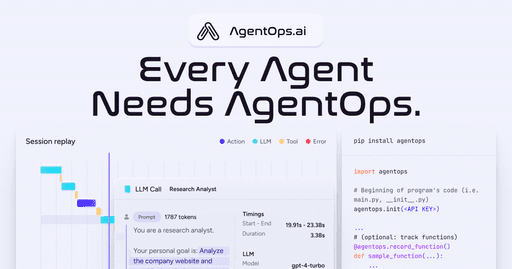
AgentOps
Free planAgent observability
Observability for AI agents with tracing, debugging, session visibility, and production monitoring.
Closer to agent observability than to model hosting or prompt tooling